

The Creo Journal

Imagine a world where project schedules update themselves, reminders are automatically sent, and risks are flagged before they become problems. Some firms believe that within a few years, AI will manage their projects end to end. While AI is making strides in project management, it’s important to understand its strengths and limitations. The Promise of AI Scheduling Assistants AI‑powered project management tools analyze schedules, dependencies, and resource availability to predict delays and suggest adjustments. They can: Send automatic reminders to team members about upcoming tasks. Reallocate tasks based on workload and skills. Identify potential bottlenecks and recommend mitigation strategies. Generate reports on progress and resource utilization. With AI handling these administrative duties, project managers can focus on leadership, client communication, and strategic decision‑making. Why Human Oversight Remains Critical Despite these advantages, AI lacks the nuance that humans bring to complex projects. Context matters: a schedule slip might be acceptable if a key supplier is delayed, but not if the delay affects a grand opening. AI may not understand the impact of a client’s mood or a contractor’s reliability. Without human oversight, automated reminders can feel impersonal or tone‑deaf, harming relationships. Framework for Responsible AI Project Management To leverage AI without losing control: Define thresholds: Determine when AI can reschedule tasks automatically and when human approval is required. Maintain clear communication: Pair automated notifications with personal check‑ins. Use AI to augment, not replace, client interactions. Review recommendations: Treat AI suggestions as starting points. Evaluate them against your knowledge of the project and stakeholders. Customize settings: Adjust the tool’s sensitivity to avoid overwhelming the team with alerts or missing important signals. Train the AI: Many tools learn from user feedback. Correct inaccurate suggestions so the system improves over time. Preparing for the Future Surveys show that a significant portion of design firms plan to implement AI for project management in the near future. Early adopters will gain experience and refine their processes ahead of the curve. Investing in digital organization today, clean data, standardized task structures, clear workflows, will make it easier to integrate AI tomorrow. Keep Control While Embracing Innovation AI can help streamline project management, but it won’t replace the human touch that clients value. At Creo, we use technology to enhance our efficiency while staying deeply involved in communication and decision‑making. If you’re curious about how AI could support your project schedules and deadlines, let’s discuss how to implement these tools thoughtfully.
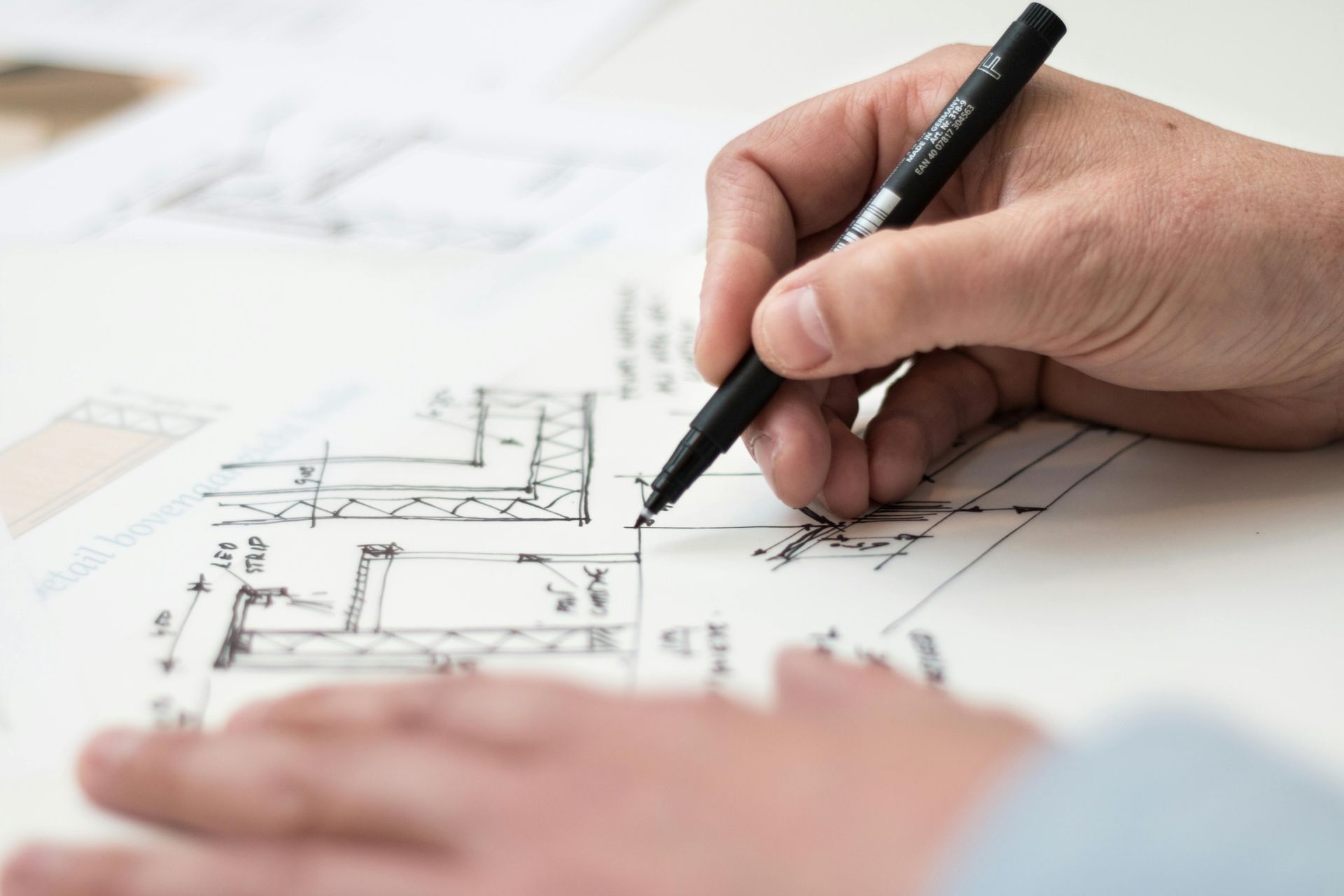
When multiple people work on a drawing, inconsistent layer names and colors can turn coordination into chaos. Miscommunication leads to hours lost hunting for elements or correcting mislabeled items. Establishing clear drawing standards, especially for layers, improves collaboration and speeds up the design process. Why Standards Matter Drawings are the common language between designers, engineers, contractors, and clients. Confusion arises when one person labels something “Furniture” while another uses “Furn” or “FF&E”. Without consistent naming and color coding, consultants waste time deciphering files instead of working. Industry research suggests that companies focusing on process optimization can boost productivity by around 15% while cutting costs by roughly 12%. Standardization is one of the most effective ways to achieve this. Creating a Layer Naming Guide A strong layer system is easy to understand and scalable. Consider the following structure: Discipline prefix: A for architectural, E for electrical, P for plumbing, etc. Category: Walls, doors, windows, furniture, text. Status or phase: Existing, demolition, new construction. For example, “A-WALL-NEW” clearly identifies new walls in an architectural drawing. Share this naming convention with everyone involved and stick to it across projects. Color‑Coding Schemes Assign distinct colors to major categories to help differentiate elements visually. For example: Walls: dark blue Doors and windows: green Furniture and equipment: magenta Text and dimensions: black or gray Avoid using too many colors, which can clutter the drawing. Reserve bright colors for elements that need to stand out, like notes or key dimensions. Sharing Standards and Templates Create a template file that includes your layer names, colors, line weights, and title block. Save it to a shared location where all team members and consultants can access it. When starting a new project, everyone uses the template as the base. This simple step eliminates guesswork and ensures consistency. Benefits of Cohesive Sets When drawings follow a consistent structure: Consultants can jump into a file and immediately understand what’s what. Errors are easier to spot because unexpected colors or names stand out. File sizes remain manageable without duplicate layers. Coordination meetings focus on design, not deciphering drawings. Need Help Building Standards? If your current documentation feels disorganized, establishing clear drawing standards can transform your workflow. Creo provides drafting services using client templates or helps develop new standards tailored to your needs. We’d be happy to assist in creating templates, layer guides, and other documentation tools that make collaboration effortless. Let’s build a cohesive system together.
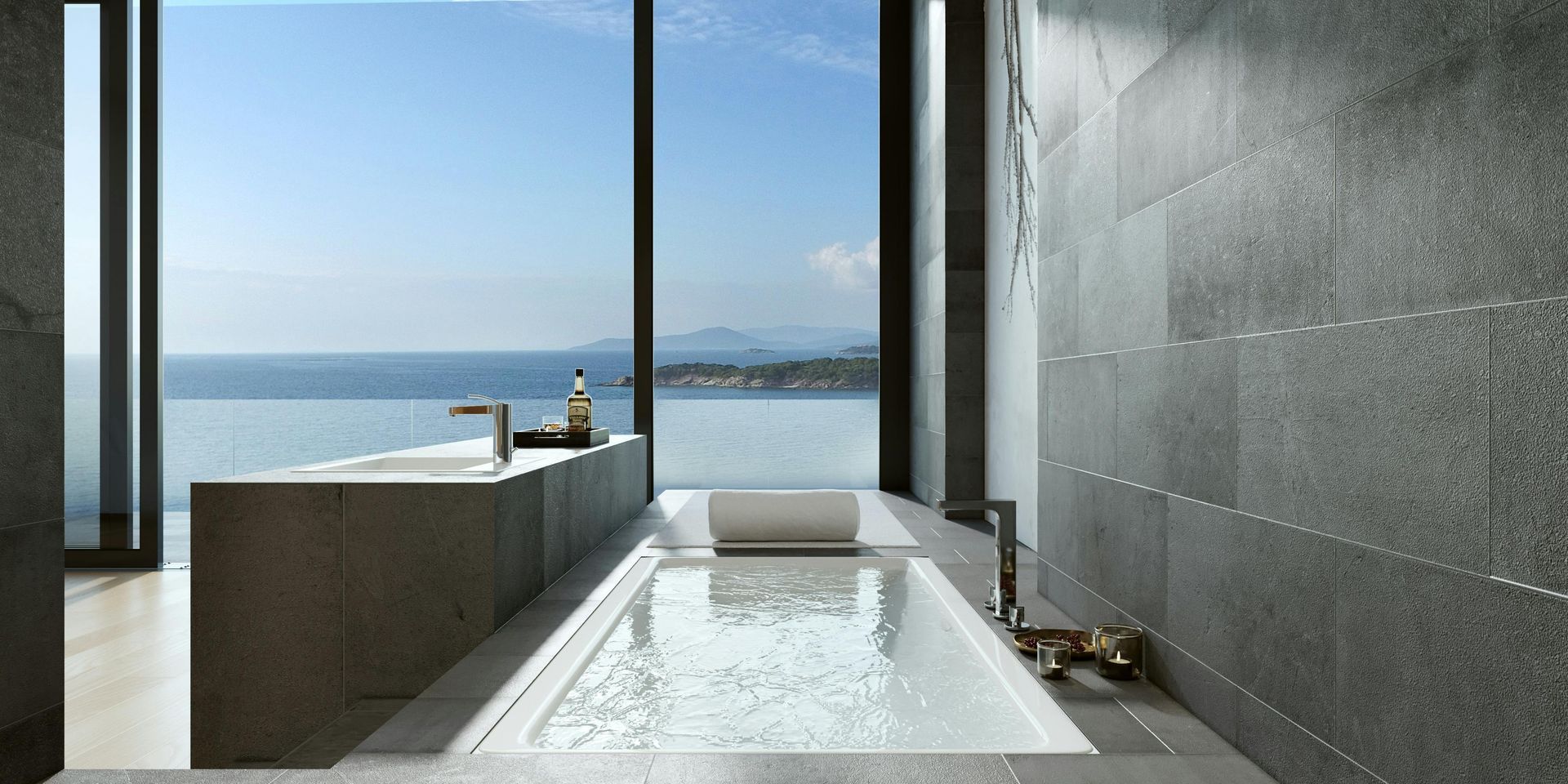
From digital keys to voice‑activated room controls, hotels are embracing AI to deliver personalized experiences. Guests can set lighting scenes, request extra pillows, or order room service through their phones without picking up the house phone. While these conveniences are appealing, thoughtful design ensures they complement, rather than replace, human hospitality. The Rise of Digital Concierges AI concierges are essentially chatbots trained to handle common guest requests. They can: Provide local recommendations and directions. Adjust in‑room lighting, temperature, and entertainment settings. Schedule housekeeping or maintenance visits. Answer questions about hotel amenities. Guests appreciate the immediate response and the ability to customize their stay. For operators, these systems reduce call volume and allow staff to focus on more complex service. Maintaining Warmth in a Digital World A fully automated experience can feel cold if not balanced with human interaction. To keep hospitality genuine: Blend digital with personal: Offer digital check‑in but keep staff in the lobby for greetings and questions. Encourage concierges to follow up with guests face to face. Design intuitive interfaces: Use clear icons, simple language, and accessible controls. Guests shouldn’t need instructions to turn on the lights or close the blinds. Provide options: Not everyone is comfortable with voice assistants or chatbots. Provide traditional means of contact, such as a front desk or phone line. Respect privacy: Be transparent about data collection. Only gather information necessary to enhance the stay, and allow guests to opt out of certain features. Infuse local flavor: Use artwork, materials, and décor that reflect the location so technology enhances, rather than replaces, a sense of place. Integrating AI Systems Into Boutique Properties Smaller hotels and short‑stay rentals may worry about the cost of high‑tech systems. Start with scalable solutions: smart locks with mobile keys, simple room‑control apps, or automated welcome messages. These features can differentiate your property without overwhelming staff. Make sure the systems integrate with your existing property management software to avoid duplicating work. Enhance Your Guest Experience with Purposeful Technology An AI concierge can elevate comfort and convenience when implemented thoughtfully. At Creo, we support designers in incorporating technology into spaces while preserving human connection. If you’re exploring AI for hospitality and need help translating concepts into detailed plans, reach out. We’ll help you create interiors that feel both personal and innovative.

Social media can feel like a crowded marketplace, but it’s also a powerful platform for interior designers to showcase their work and attract clients. It’s not enough to post pretty pictures, storytelling is what sets you apart and builds connection. As the market for design services grows significantly each year, carving out a distinct presence online can be a game changer. Why Storytelling Works Images alone can feel detached. When you pair them with narratives about your process, client journey, or design philosophy, you invite your audience into your world. Stories build trust and demonstrate how you solve problems, not just the finished result. Data on marketing trends shows that firms using storytelling generate more qualified leads and nurture stronger client relationships. Types of Stories to Share Behind‑the‑scenes glimpses: Show sketches, mood boards, and material samples. People love seeing how a concept comes together. Client journeys: Share before‑and‑after photos accompanied by the challenges faced and solutions you implemented. Process tips: Offer simple advice on selecting paint colors, arranging furniture, or mixing patterns. This positions you as a helpful resource. Personal reflections: Talk about your inspirations, design values, or how you got into the field. Authenticity resonates. Project milestones: Celebrate breaking ground, completing a install, or unveiling a final space. Invite viewers to be part of the celebration. Choosing the Right Platforms Different platforms lend themselves to different content: Instagram: Ideal for curated photos and short videos. Use captions to tell the story behind each image. Pinterest: Great for mood boards and DIY tips. Pin your projects and organize boards by style or room type. LinkedIn: Share industry insights, thought leadership articles, and professional achievements. TikTok or short‑form video: Create quick tours of completed spaces or time-lapse videos of installations. Choose the platforms that align with your audience and your comfort level. You don’t need to be everywhere; focus on where you can be consistent and genuine. Tips for Engaging Posts Use consistent branding: Colors, fonts, and voice should reflect your brand across posts. Include calls to action: Encourage viewers to comment, share, or visit your website. Plan ahead: Create a content calendar with themes and posting dates. Consistency builds anticipation. Engage with your audience: Respond to comments and messages. Social media is a two-way conversation. Tell Your Story, Grow Your Brand Social media storytelling isn’t about vanity metrics; it’s about connecting with people who appreciate your work. As the design industry expands, a strong online presence helps you stand out. At Creo, we handle the technical side of your projects so you have time to focus on creative marketing. If you need help clearing your plate to invest in your brand, let’s chat.

ChatGPT and similar tools can draft proposals, craft narratives, and help structure presentations, but the quality of the output depends heavily on the quality of your prompts. Like a client brief, a well‑crafted prompt guides the AI toward the result you want. With a little practice, prompt engineering can become a designer’s secret weapon. Why Prompts Matter At its core, AI responds to the information you provide. A vague prompt will yield generic answers, while a specific prompt will generate focused, relevant content. When you need a concept statement, an outline for a scope of work, or help drafting a presentation narrative, clear guidance makes all the difference. Building Better Prompts To craft smarter prompts, think about the way you brief your own team. Include context, style, and desired outcomes. Here are a few guidelines: Be specific about format: Tell the AI whether you want a bullet list, a paragraph, or a headline. Provide context: Mention the project type, client goals, and design direction. State the tone: If you need a formal proposal or a conversational presentation, say so. Set constraints: Limit word count or require inclusion of certain themes. Before and After Examples Before : “Write a scope of work outline for a hotel lobby.” This prompt might return a generic list that misses your brand voice. After : “Create a concise scope of work outline (five bullets) for a boutique hotel lobby renovation. Emphasize modern Art Deco influences, include millwork detailing, and end with next steps.” This refined prompt results in a list that matches the style and structure you need. Before : “Generate a concept statement for a restaurant.” The AI might produce something bland and overused. After : “Draft a warm, energetic concept statement (one paragraph) for a farm‑to‑table restaurant featuring reclaimed wood, natural textures, and seasonal ingredients, capturing the essence of countryside comfort.” Now the AI will evoke a specific mood and material palette. Using Prompts in Presentations Prompt engineering isn’t just for text. You can guide AI to structure an entire presentation. For example, ask: “Outline a ten‑slide presentation for a luxury spa concept. Include slides on mood board, plan layout, FF&E, sustainability, and budget overview.” From there, you can build your deck around the AI’s structure. Bridging the Skills Gap with Prompt Writing Industry conversations often highlight a growing gap between the demand for AI skills and the available talent. Learning to write effective prompts is an accessible first step into AI fluency. It requires no programming knowledge, just clear thinking about what you want. As you experiment, you’ll notice patterns: certain words prompt the AI to be more descriptive, while others make it more concise. Over time, you’ll develop a library of prompts that consistently deliver good results. Ready to Elevate Your Workflow? Prompt engineering can help you generate more polished proposals and narratives in less time. Combine that with Creo’s background support, and you’ve freed yourself to focus on design strategy and client relationships. Let’s talk about integrating AI into your practice so you can work smarter, not harder.
Delegating drafting work to a remote team can free up valuable hours, but it also requires trust and oversight. When you’re working with people in different locations, how do you maintain consistency, accuracy, and client confidence? Clear standards, structured communication, and regular checkpoints are key. Understanding the Need Many designers struggle with long hours and endless technical tasks, leaving little time for high‑value activities like creative exploration or client management. Outsourcing drafting to qualified drafters can be a lifesaver, if managed correctly. Without a system, you risk misaligned expectations and costly rework. Selecting the Right Partner When choosing a remote drafter or firm: Review their portfolio: Look for projects similar to yours in scale and style. Check references: Talk to previous clients about their experience and satisfaction. Assess communication skills: Smooth collaboration depends on clear, timely responses. Discuss tools and templates: Ensure they can work within your software environment and follow your standards. Setting Clear Standards Provide detailed templates and guidelines up front. This includes: Layer naming conventions, line weights, and title block formats. Standard notes and symbols. Expectations for file organization and naming. Preferred units and dimensioning practices. Make sure your partner understands why these standards matter; they ensure the drawings integrate seamlessly with the rest of your documentation. Establishing Checkpoints Instead of waiting until the end to review work, schedule progress checks: Kickoff meeting: Align on scope, deadlines, and deliverables. Interim review: Review early drafts for layout, scale, and detail. Catching issues now saves time later. Final review: Check that all revisions have been incorporated and the drawings meet your quality standards. Project debrief: Discuss what worked and what can improve for the next collaboration. Between these formal checkpoints, encourage your remote partners to ask questions rather than making assumptions. It’s better to clarify early than correct later. Maintaining Client Confidence Clients may be wary of outsourcing if they fear losing control. Reassure them by: Explaining your oversight process and quality controls. Keeping them informed of milestones. Delivering consistent, well‑organized drawings that match previous work. When managed well, outsourcing is invisible to the client; they receive polished documents on time and on budget. Scale Your Business with Confidence Outsourcing drafting doesn’t mean letting go of quality. By selecting the right partners and establishing clear processes, you can expand your capacity and still deliver excellent work. Creo has built its reputation on being an invisible extension of our clients’ teams. If you’re ready to delegate without sacrificing standards, let’s explore how we can support your workflow.
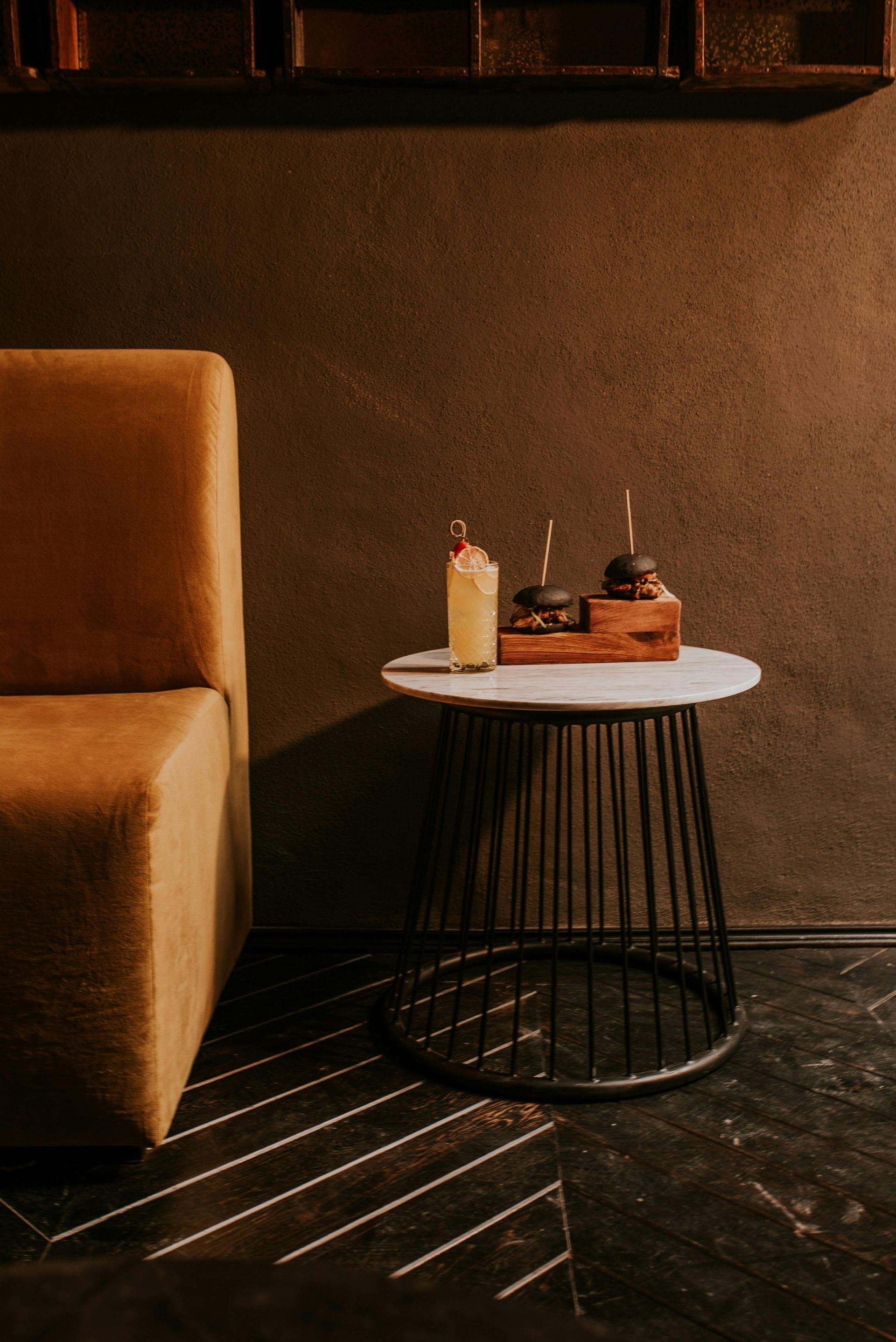
Hospitality design is evolving rapidly, driven by changing guest expectations and cultural shifts. Recent trends point toward quiet luxury, fluid multifunctional spaces, and wellness features integrated into rooms. Understanding these directions helps designers create relevant and enduring environments. The Rise of Quiet Luxury Quiet luxury emphasizes quality materials, refined finishes, and understated elegance. Rather than flashy opulence, it focuses on craftsmanship, comfort, and authenticity. Guests appreciate details like hand‑stitched leather, natural stone, and soft lighting that feel exclusive without being ostentatious. This approach appeals to travelers seeking sophistication and calm. Multifunctional Social Hubs Traditional lobbies are being reimagined as social hubs that serve multiple purposes throughout the day. Morning coffee bars transform into co‑working spaces, then into evening lounges. This adaptability allows hotels to serve more guests in the same footprint and encourages community. Movable furniture, flexible lighting, and integrated technology enable quick transitions. Wellness Comes to the Guestroom Wellness amenities once confined to spas are moving into private rooms. Think in‑room yoga mats, light therapy, meditation guides, and hydration stations. Even small additions—such as adjustable circadian lighting or sound machines—can enhance rest. Health‑conscious travelers appreciate being able to maintain routines while on the road. Accessible Luxury for Families Upscale experiences are no longer limited to adults‑only resorts. Families are seeking premium accommodations with kid‑friendly features like game nooks, multipurpose storage, and durable yet stylish finishes. Designers can create spaces that balance playfulness with sophistication, allowing parents to relax while children feel welcome. Actionable Design Moves To incorporate these trends into your projects: Choose tactile materials: Use natural woods, linens, and metals that age gracefully. Avoid overly synthetic finishes. Plan flexible layouts: Design lobbies and lounges with movable partitions, varied seating heights, and modular furniture. Integrate wellness features: Consider air purification, biophilic elements like plants or water features, and amenities that encourage movement and mindfulness. Select warm palettes: Earthy tones and layered textures create calm, luxurious atmospheres. Blend privacy and community: Offer secluded corners alongside communal tables, giving guests options. Stay Ahead of Hospitality Trends By embracing quiet luxury and multifunctional spaces, you can create environments that resonate with modern travelers. At Creo, we stay on top of emerging design trends and translate them into detailed drawings and specifications. If you’re ready to incorporate these ideas into your hospitality projects but need support with production work, we’re here to help.

Creating mood boards is one of my favorite parts of the design process because it turns abstract ideas into something tangible. Yet it can be a huge time sink. Finding the right images, balancing colors, and arranging a cohesive look can take hours. As I’ve explored new tools, I’ve learned that AI can make this step faster without sacrificing originality. Why Traditional Mood Boards Eat Up Time Mood boards are more than a collection of pretty pictures. They tell the story of a space, hinting at textures, lighting, colors, and atmosphere. To build a board the old‑fashioned way, you might: Search dozens of websites or magazines for images. Save, print, or download files, then lay them out by hand or in software. Adjust colors and crop images to match your vision. Rearrange elements until everything feels harmonious. Each task requires decisions that only a human can make, so the hours add up. When you’re juggling several projects or working with a tight deadline, this is precious time you could spend refining the design itself. How AI Tools Step In Generative AI tools now let you start the mood board process in minutes. By analyzing vast image libraries and design trends, these tools suggest combinations that match your brief. Describe the vibe you’re after—say, “coastal modern with warm neutrals and brass accents”—and AI will generate a draft board with images, colors, and materials that fit. Because AI isn’t confined to your personal inspiration folder, it can surface ideas you might not have considered. If the board leans too bohemian, tweak your description and watch it shift to a more refined look. Refining AI‑Generated Boards AI delivers volume and speed, but the designer’s eye still matters. Once you have an AI‑generated starting point, you become the curator. Here are ways to make the most of AI suggestions: Start with a clear prompt: Be descriptive about style, mood, and key materials. If the first result misses the mark, add more detail or remove words that are skewing the output. Adjust colors manually: Many tools let you swap out palettes. Replace colors that don’t fit your brand with hues that do. You can even upload a custom palette to guide the tool. Swap materials and finishes: If the AI suggests materials outside your budget or sustainability goals, switch them out. Replace polished marble with engineered stone, for example. Combine elements across boards: Sometimes one board nails the lighting while another captures the right textures. Pull your favorite elements from each and merge them into a final composition. This curation phase is where your signature style shines. AI gives you a head start, but your experience and taste drive the final result. Creativity Versus Automation Some designers worry that AI could dull their creative edge. I see it differently. AI handles the repetitive tasks—collecting and sorting images—so you can focus on what matters. You still decide how to interpret a client’s brief, which materials align with their values, and how to translate a mood board into a real space. The tool simply cuts down the time you spend searching for photos and matching colors by hand. In my practice, AI has given me breathing room. When a client calls with a last‑minute change, I can regenerate a fresh board quickly and still have energy to brainstorm the design details. I’m also discovering new palettes and textures that I might have overlooked. Rather than replace my creativity, AI expands it. Ready to Save Time on Concepting? If building mood boards is eating into your schedule, imagine what else you could delegate. At Creo, we handle drafting, documentation, concept and schematic presentations and other production tasks, allowing you to stay focused on design. Let’s talk about how partnering with an extension of your team can free up your time for more creative work.

Small changes to your templates and workflows can unlock big capacity, without growing your team.

Quick-start prompts to speed up mood boards, narratives, and early concept work, without giving up your voice.